How to press
Pressing instructions
Use a heat press for best results. Settings depend on the fabric — find yours below.
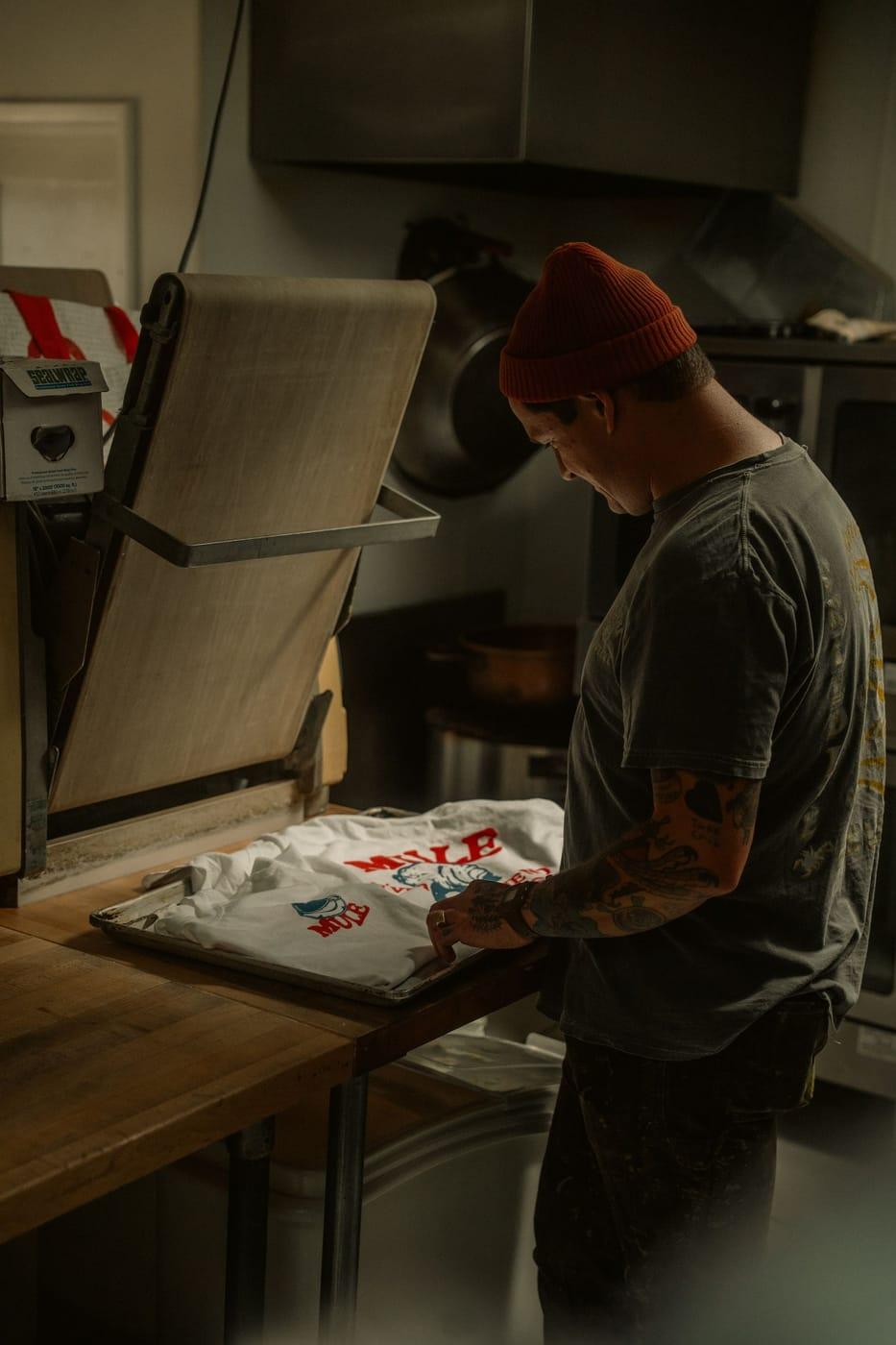
Polyester
- Temperature
- 260°F
- Time
- 10–12 sec
- Pressure
- Medium-high
- Second press
- A couple of seconds
Cotton
- Temperature
- 305°F
- Time
- 10–12 sec
- Pressure
- Medium-high
- Second press
- A couple of seconds
Blends: use the polyester setting if the garment is mostly polyester. Always test on a sample first — presses vary.
Step by step
Five steps
01
Pre-press the garment
Close the press on the empty garment for a few seconds to remove moisture and wrinkles.
02
Place the transfer
Position the transfer printed side down — the film on top — exactly where you want it.
03
Press
Polyester 260°F · cotton 305°F. 10–12 seconds, medium-high pressure.
04
Peel the film
Peel the film off slowly and evenly in one smooth motion.
05
Second press
Cover with parchment or a Teflon sheet and press again for a couple of seconds.
Tips
- Use a heat press, not a household iron — even heat and pressure make the transfer last.
- Wait 24 hours before the first wash.
- Wash inside out in cold water; tumble dry low or hang dry.
- Don't iron directly on the print.